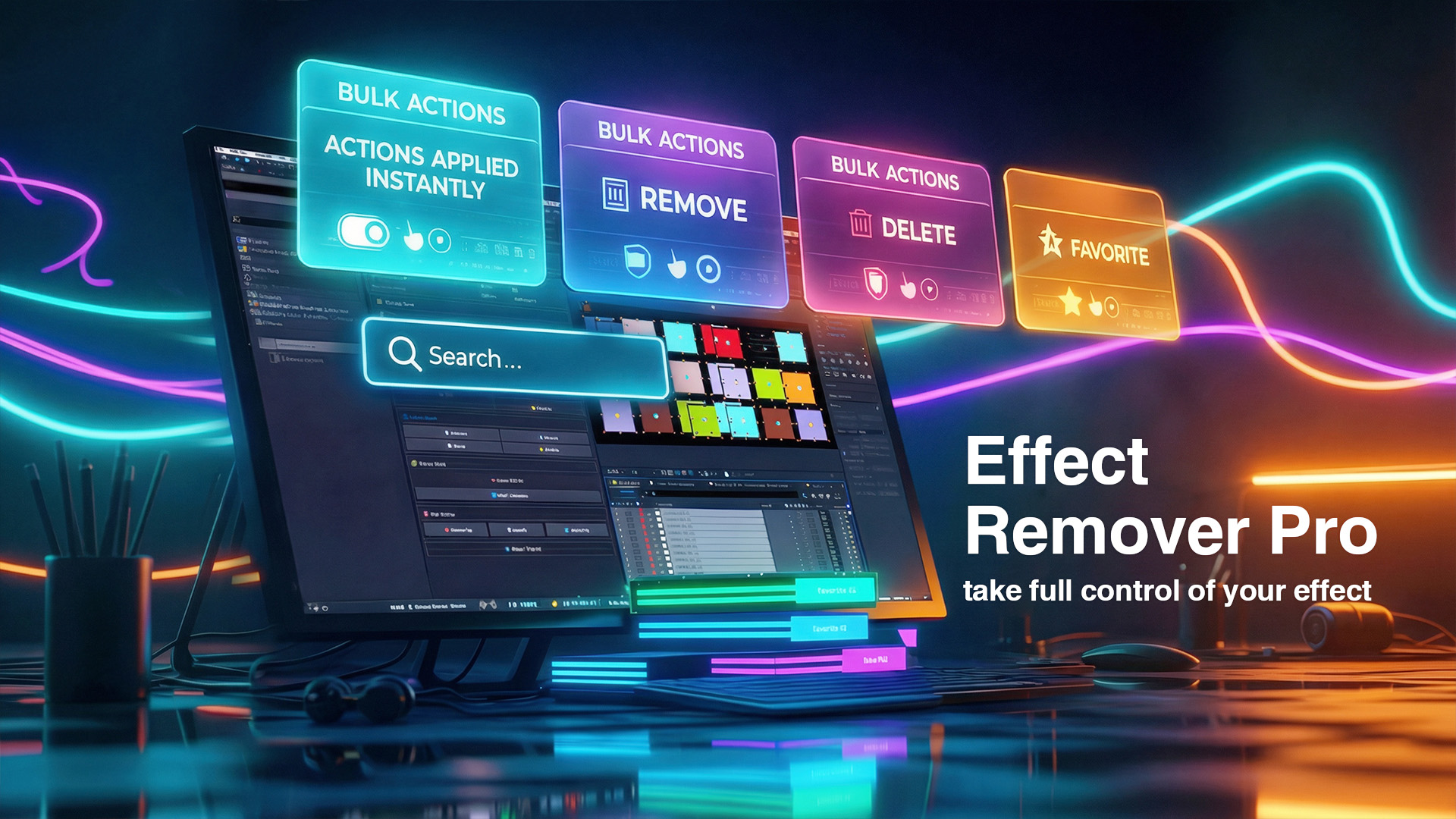
After Effects
Effect Remover Pro
Effect Remover Pro is a 100% offline After Effects extension for removing, hiding, showing, searching, and reusing effects without tedious manual cleanup.
- Version
- 1.0.2
- Availability
- aescripts + aeplugins
Purchase and trial management are handled by aescripts + aeplugins.
See it in action
Built for heavy compositions
Take full control of every effect.
Effect Remover Pro is built for motion designers and video editors who need fast, precise control over effects applied to selected layers. Search effects in real time, remove them permanently, hide them for A/B testing, show them again, and keep frequently used effects in a persistent Favorites list.
Interface
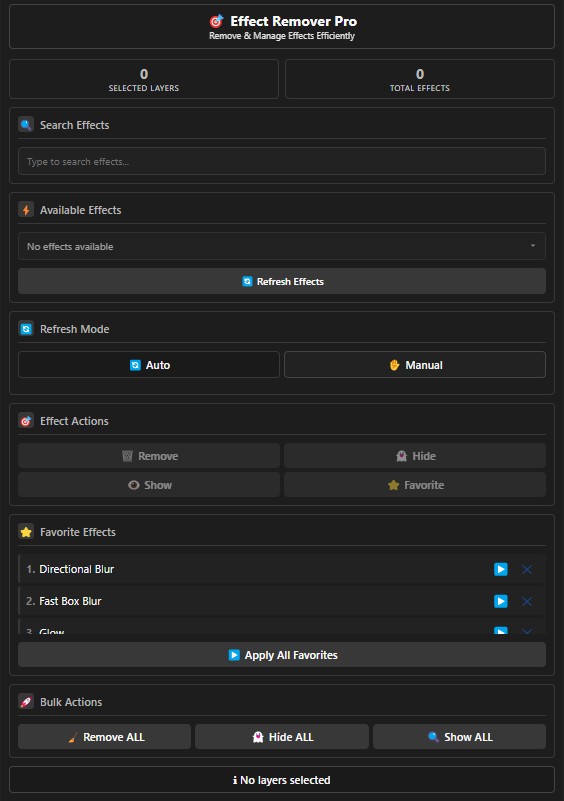
Everything in one focused panel.
Auto Mode refreshes the list as selection changes. Manual Mode lets you refresh only when needed, which is useful in heavy projects. Built-in status feedback and tooltips keep every action clear.
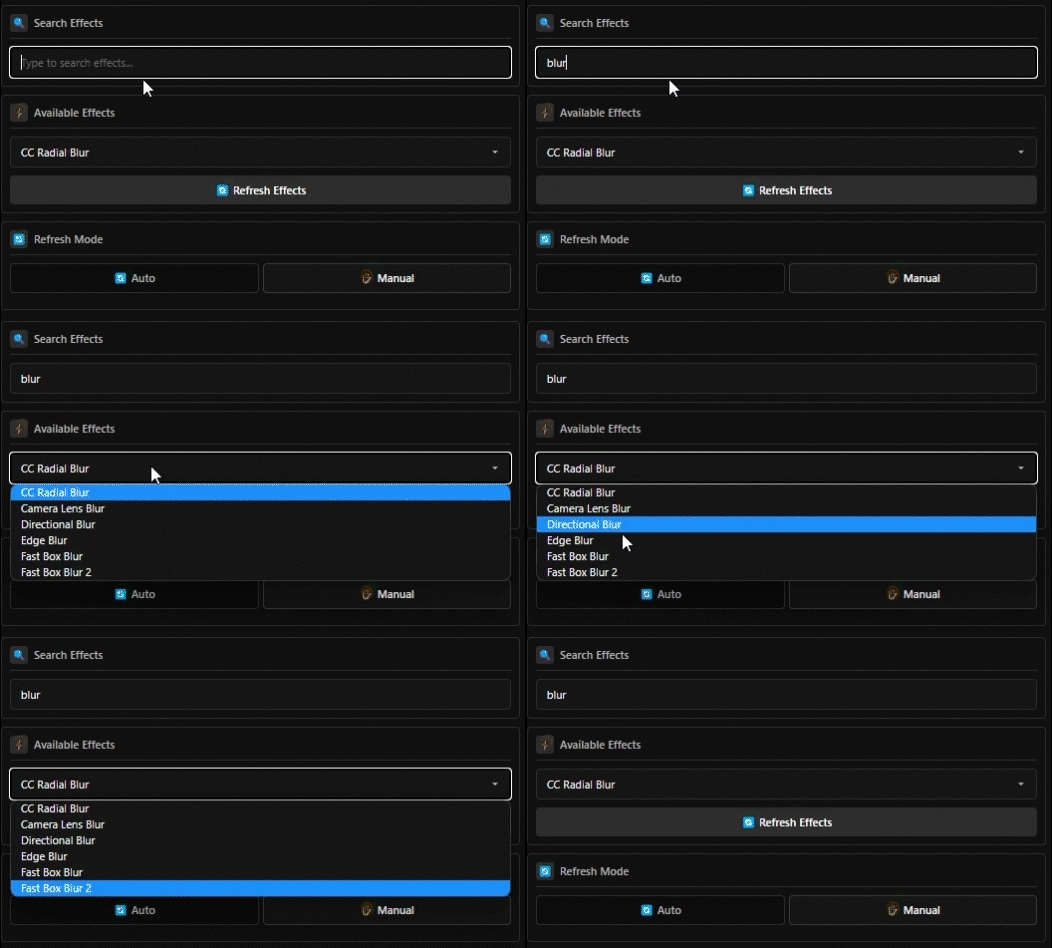
Real-time Effect Search
Find any applied effect fast.
Search the unique effects found on selected layers by name. This is especially useful when debugging templates or compositions that contain many built-in and third-party effects.
Precise Effect Control
Remove, hide, or show.
Remove a specific effect from all selected layers, temporarily disable it for comparisons, or re-enable hidden effects with a single action. Effect removal can be undone immediately with Ctrl+Z or Cmd+Z.

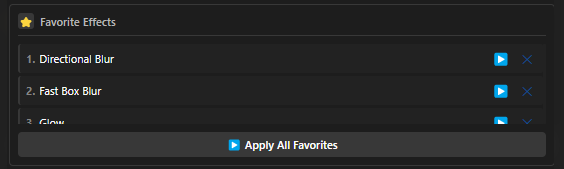
Favorites
Build a personal effects shelf.
Save frequently used effects to Favorites, apply all favorites to selected layers, or apply and select individual favorites. The list is stored locally and persists between sessions.
Bulk Actions
Clean or debug in one click.
Remove ALL effects with confirmation, hide every effect for debugging, or show them all again. Bulk removal remains fully undoable.

Quick Start
Start controlling effects immediately.
- Select one or more layers containing effects.
- Open Window → Extensions → Effect Remover Pro.
- Search or choose an effect from the list.
- Use Remove, Hide, Show, Favorites, or a bulk action.
- Switch to Manual Mode for better performance in heavy comps.
Full tutorial
Learn Effect Remover Pro step by step.
Take full control of your effects.
Remove, hide, show, search, and reuse effects instantly inside After Effects.